Pixel.io
Step into the Fast-Paced Action of Pixel.io
Pixel.io Game delivers fast multiplayer FPS action, focusing on sharp reflexes, quick movement, and clear combat across vibrant blocky arenas.
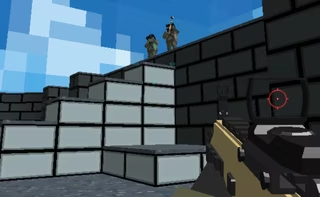
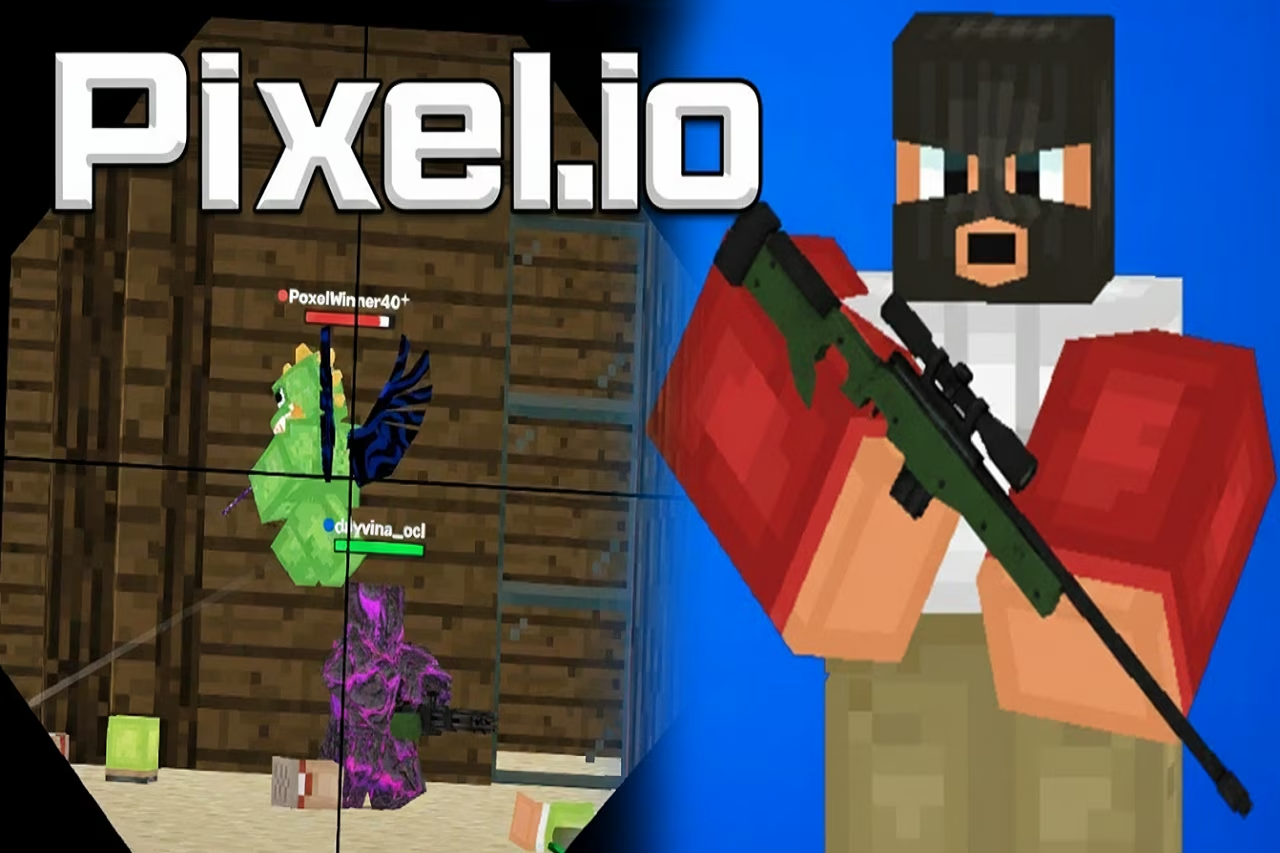
Drawing visual inspiration from the clean, blocky style of Minecraft, Pixel.io Game prioritizes combat clarity, speed, and continuous pressure over realistic complexity. This distinctive aesthetic ensures that firefights remain completely readable even in the middle of chaotic encounters. By stripping away cumbersome mechanics, the Pixel.io experience emphasizes pure skill, fast matches, and split-second decision-making.
Across every multiplayer match, Pixel.io players must combine precision aim, recoil control, and dynamic movement to outmaneuver opponents. With multiple game modes that shift combat priorities between elimination races and objective control, Pixel.io offers an accessible yet demanding arena where tactical positioning and gunplay mastery determine who dominates the scoreboard.
How to Play Pixel.io
Pixel.io delivers intense, real-time first-person shooter action where sharp reflexes, positioning, and gun control determine victory. Whether competing for individual eliminations or coordinating with a squad, success requires adapting to the Pixel.io arena and executing clean mechanics.
Objectives and Win Conditions
Every match operates under specific win conditions determined by the game mode. In Pixel.io, in elimination-focused modes, players rack up points by defeating opponents while managing their own survival. In objective modes, the focus shifts to coordinated positioning and securing area control to build a steady team score. Matches conclude once a participant reaches the designated score limit or when the game timer expires.
Loadouts and Gunplay Execution
Before deploying into combat in Pixel.io, players choose a weapon to match their preferred engagement range and tactical approach:
- Rifles: Versatile platforms suited for balanced mid-range combat.
- SMGs: Rapid-fire options effective in aggressive close-quarters encounters.
- Shotguns: Devastating choices for point-blank firefights.
- Snipers: High-powered firearms built for long-distance precision.
In Pixel.io, because matches feature a fast time-to-defeat across compact maps, mastering recoil control and landing accurate shots is critical. Aiming down sights narrows your spread and delivers the precision needed to win fast exchanges.
Arena Movement
Constant mobility is crucial to survival in Pixel.io. Players can jump, strafe, slide, and dash to navigate tight corridors and disorient enemy targeting. Combining fluid footwork with clean crosshair placement allows you to clear sightlines and react instantly to sudden ambushes.
Control Scheme
Familiarize yourself with the basic key layout to stay competitive in the Pixel.io arena:
- WASD or Arrow Keys: Move character
- Spacebar: Jump upward
- X / Q: Dash quickly
- Left Click: Shoot weapon
- Right Click / E: Aim weapon
- Enter: Open in-game chat
- P / Esc: Open the pause menu
Tips & Strategies for Pixel.io
To consistently outshoot opponents and climb the Pixel.io match scoreboards in this fast-paced Pixel.io arena, new players should focus on solid fundamentals, quick mobility, and smart positioning. Apply these actionable strategies to sharpen your performance:
- Incorporate Dashing and Jumping into Firefights: Avoid standing still during combat. Use the dash key (X or Q) combined with jumping (Spacebar), sliding, and strafing to make yourself a difficult target to track during intense close- and mid-range duels.
- Match Your Weapon to Pixel.io combat Distance: Tailor your loadout selection to your preferred combat range. Equip shotguns and SMGs to dominate aggressive, close-quarters encounters, rely on rifles for versatile mid-range fights, or choose snipers to pick off targets from afar.
- Tame Recoil with Aiming Mechanics: Engagements feature a fast time-to-defeat, meaning the Pixel.io player who lands their shots first usually wins. Use weapon aim (Right Click or E) to stabilize your sightline and manage weapon recoil rather than relying solely on erratic hip-fire.
- Play to the Pixel.io mode's Win Conditions: Adjust your priorities depending on the active match type. In kill-focused modes, focus entirely on securing eliminations, while in objective modes, prioritize coordinated positioning and holding down key areas to ensure steady team scoring.
- Capitalize on Visual Readability: The clean, blocky visual style inspired by Minecraft keeps the Pixel.io battlefield uncluttered. Use this high visual clarity to spot moving enemies across compact arenas quickly and line up your shots before they react.
- Keep an Eye on the Clock and Score Limits: Matches conclude when a team reaches the designated score limit or when the timer expires. Monitor the Pixel.io match progress so you know when to play aggressively for final eliminations or coordinate defensively to protect an objective lead.
FAQ about Pixel.io
What type of game is Pixel.io?
Pixel.io is a fast-paced multiplayer first-person shooter (FPS) that emphasizes swift movement, sharp reflexes, and precise gun control. The game features clear, blocky visuals inspired by Minecraft, keeping arena combat readable and competitive during intense firefights.
What weapons can you choose for your loadout in Pixel.io?
Before entering a match, players can tailor their engagement range and combat approach in Pixel.io by selecting from a variety of weapon classes, including rifles, SMGs, shotguns, and snipers.
What movement mechanics are available in the arena?
Movement in Pixel.io is built for speed and agility. Players can jump, strafe, slide, and execute quick dashes using the X or Q keys to gain positional advantages during close-range and mid-range engagements.
What are the different game modes and objectives?
Pixel.io offers multiple match formats to vary gameplay. These include kill-focused modes that reward raw eliminations and objective-based modes that require area control and team coordination. Matches conclude once a score limit is reached or the match timer runs out.
What are the default controls for Pixel.io?
- Move: WASD or Arrow keys
- Jump: Spacebar
- Dash: X or Q
- Shoot: Left Click
- Aim Down Sights: Right Click or E
- Chat: Enter
- Pause Menu: P or Esc
Where to play Pixel.io?
You can play Pixel.io online at fortnite-unblocked.com. Open the site in your browser and start playing right away.